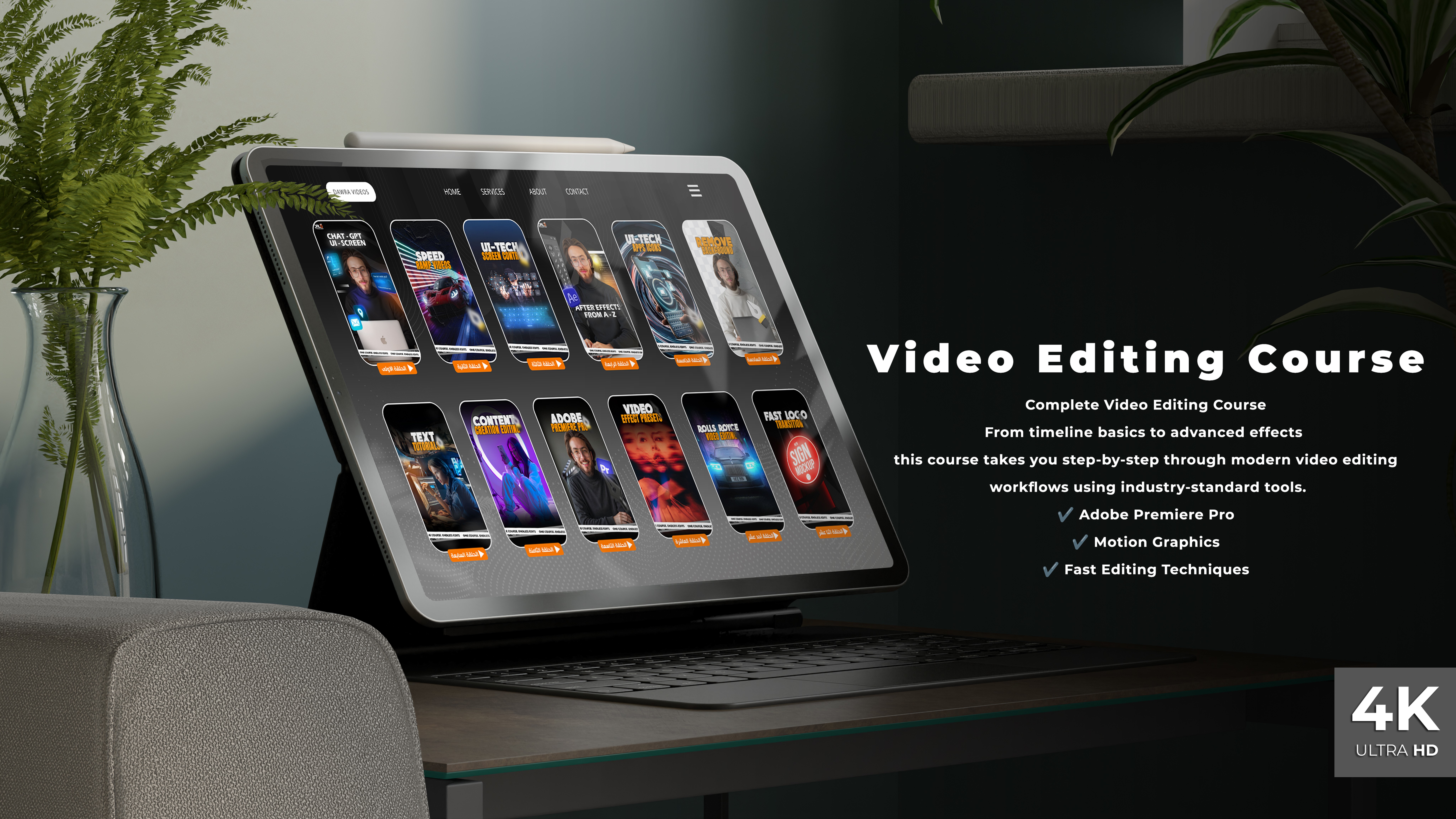

Editing Course Details
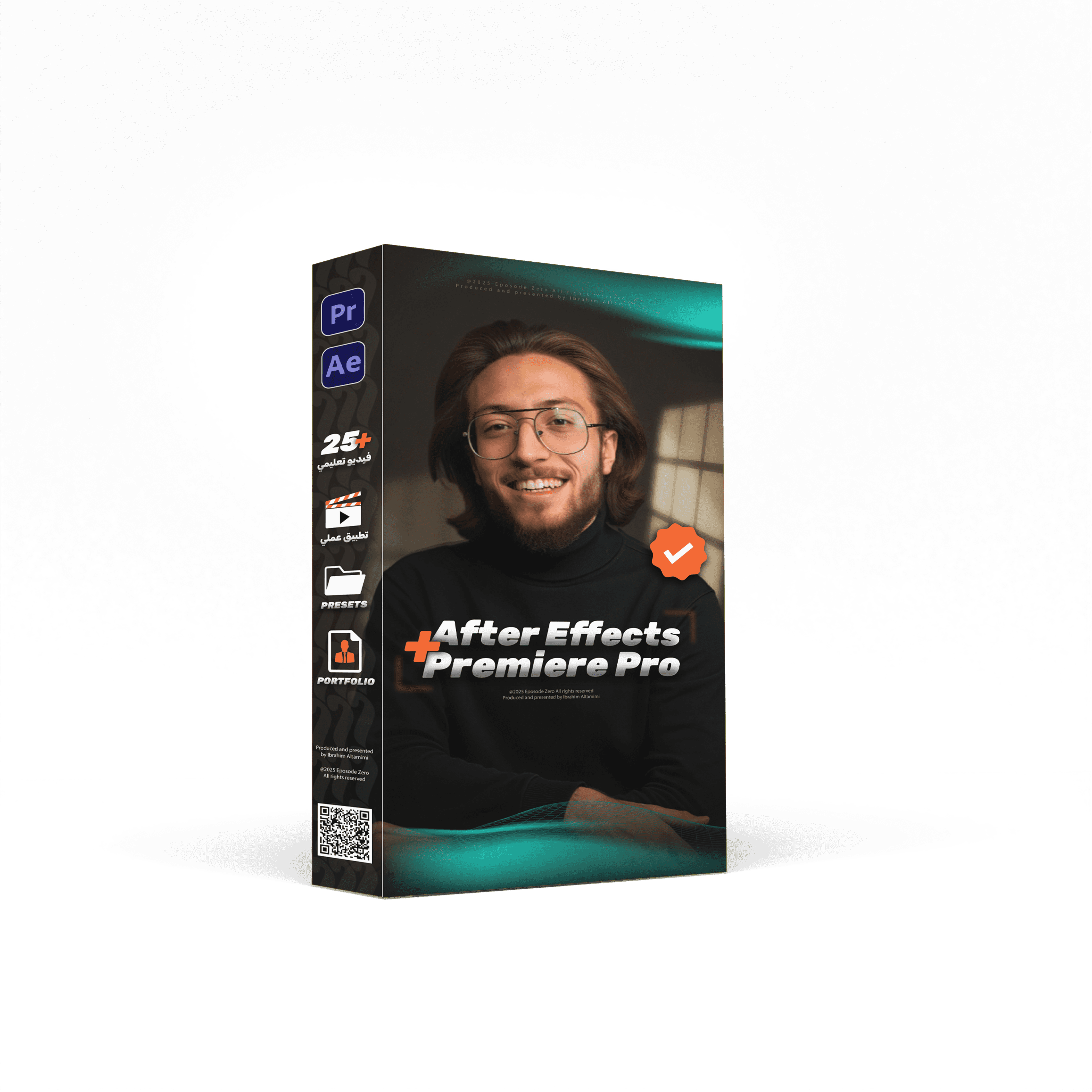
Premiere Pro
Level 0: Getting Started
Downloading, installing the software, and adjusting settings.
Getting familiar with the interface and basic tools.
Organizing folders and files before starting any project.
Level 1: Importing and Preparing Materials
Importing videos and audio into the program.
Creating a new project and timeline.
Handling long clips and cutting them.
Level 2: Basic Editing Tools
Tools for cutting, moving, and stretching clips.
Arranging clips on the timeline.
Rough editing (initial raw cut).
Level 3: Rhythm Adjustment
Editing to the beat of the music.
Using markers to sync audio with visuals.
Cutting clips smoothly (clean editing).
Level 4: Audio
Raising and lowering audio levels.
Removing noise and interference.
Balancing sound with music.
Level 5: Texts and Titles
Adding simple texts inside the video.
Creating name bars or lower-thirds.
Adding subtitles and syncing them with speech.
Level 6: Colors and Filters
Color correction and lighting adjustments.
Adding preset color effects.
Creating an overall mood for the video using colors.
Level 7: Effects and Motion
Animating images and videos within the frame.
Speeding up and slowing down scenes (dynamic editing).
Adding creative transitions between scenes.
Level 8: Exporting and Finishing
Exporting videos in high quality.
Setting appropriate sizes for YouTube, Instagram, and TikTok.
Preparing video thumbnails.
During the Premiere course, trainees will produce more than 15 complete videos (ads, social media content, practical projects).
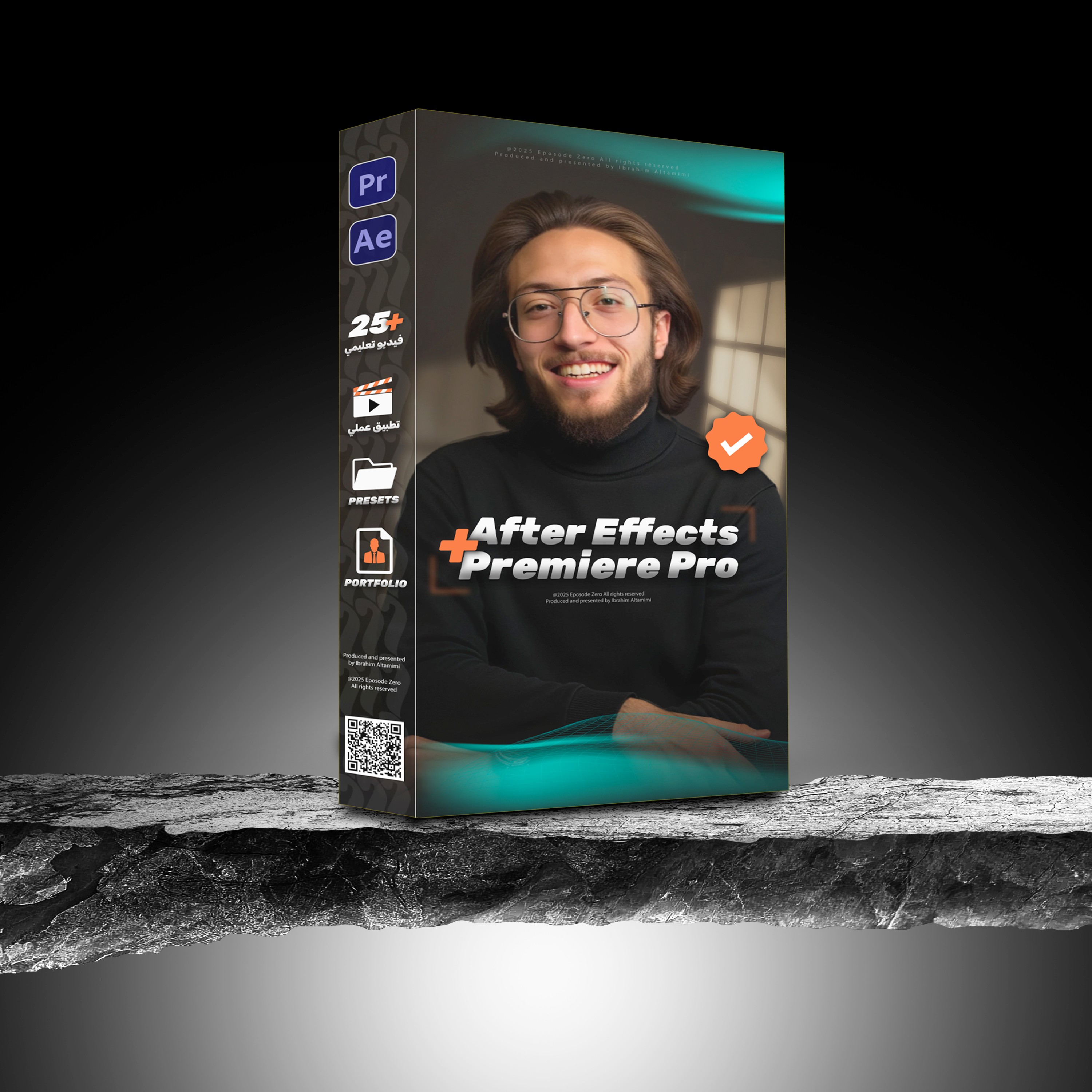
After Effects Course
“Our courses are designed for anyone who wants to enter or advance in the fields of editing and design. You will get high-quality recorded lectures + live online sessions to answer your questions and guide you step by step.”
Level 0: Getting to Know the Program
Installing the software and adjusting settings.
Understanding the basic interface.
Creating a new project and adding clips.
Level 1: Basics of Animation
Understanding keyframes.
Animating texts (scale, rotation, transparency).
Animating images and logos.
Level 2: Basic Effects
Adding preset video effects.
Controlling speed and smoothness of animations.
Creating simple visual transitions.
Level 3: Professional Text Animation
Designing animated texts.
Creating intro title sequences.
Designing animated lower-thirds.
Level 4: Shapes and Graphics
Drawing and animating shapes.
Designing animated icons.
Creating circles, lines, and infographic animations.
Level 5: Motion Graphics
Designing a short animated video.
Animating characters or simple elements.
Syncing sound with animation.
Level 6: Advanced Effects
Creating visual tricks (e.g., hiding or revealing elements).
Light and flash effects.
Simulating camera movement.
Level 7: Compositing and Realism
Combining multiple videos in one scene.
Adding animated backgrounds.
Creating realistic scenes with visual effects.
Level 8: Final Export
Exporting video in high quality and appropriate size.
Preparing animated files for social media.
Preparing short versions for ads.
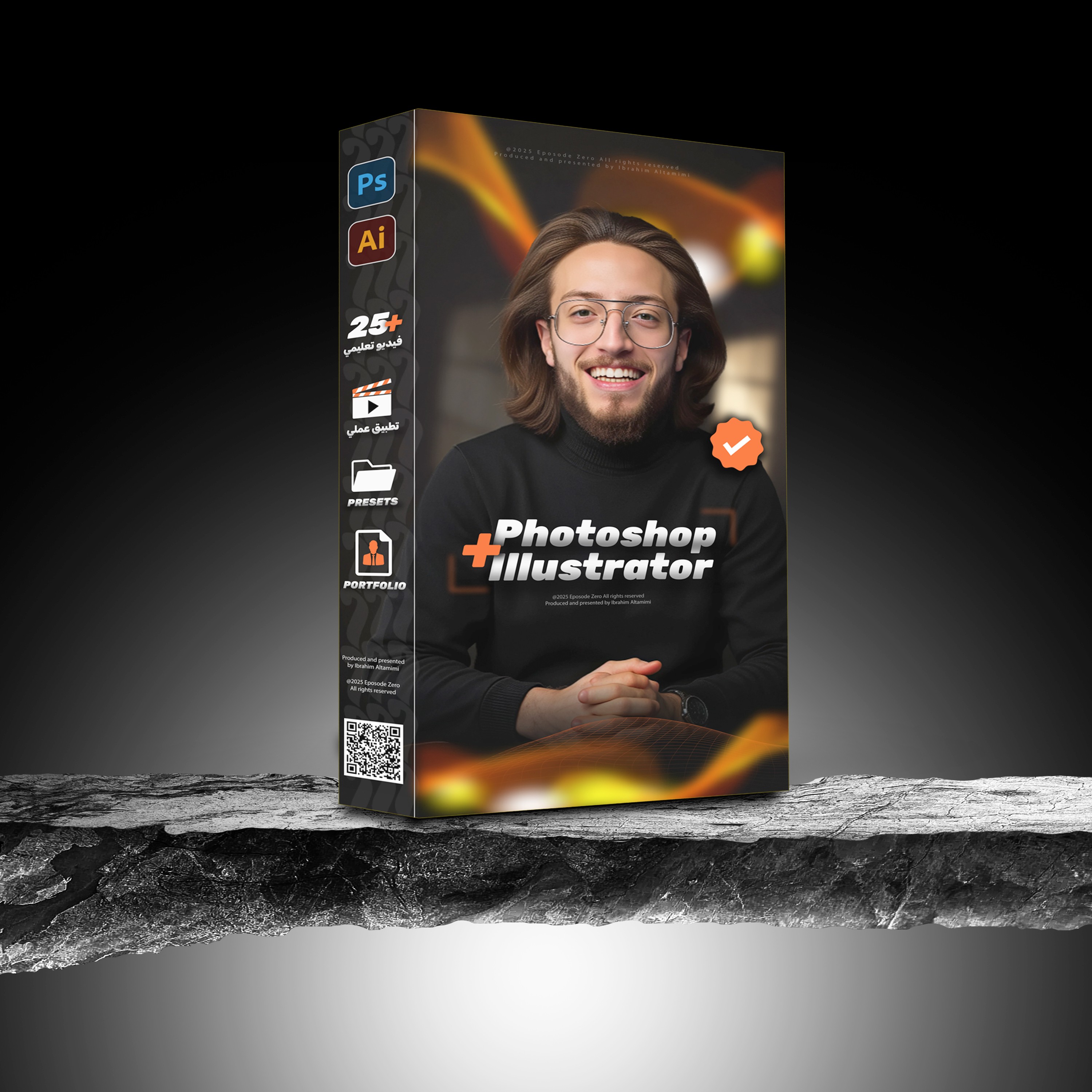
Graphic Design Course Details
Photoshop + Illustrator Course
Level 0: Getting Started
Getting familiar with the interfaces of both programs.
Adjusting settings and creating a new file.
Understanding layers and how to organize them.
Difference between web design and print design.
Level 1: Photo Editing and Retouching (Photoshop)
Cropping images and removing backgrounds.
Adjusting colors and lighting.
Correcting imperfections in photos (removing blemishes, skin retouching).
Realistic photo merging.
Level 2: Text and Simple Design (Photoshop)
Writing and formatting text.
Adding effects to fonts (shadow, lighting).
Designing a simple social media post.
Creating a cover or profile picture for social media accounts.
Level 3: Effects and Retouching (Photoshop)
Using filters and effects.
Enhancing images with high quality.
Creating realistic mockups (e.g., poster or business card).
Preparing editable design templates.
Level 4: Drawing and Shapes (Illustrator)
Learning basic drawing tools.
Drawing and organizing geometric shapes.
Drawing simple icons.
Designing a simple vector illustration.
Level 5: Logo Design (Illustrator)
Understanding the basics of logo design.
Turning ideas into initial sketches.
Executing clean and professional logos.
Preparing multiple versions of the logo (colored, black & white, transparent).
Level 6: Mini Visual Identity
Designing a business card.
Designing simple official documents.
Creating a quick identity for a small project (logo + colors + fonts).
Preparing a small client profile file.
Level 7: Advanced Social Media Design
Creating a series of carousel posts for Instagram.
Designing sponsored ads for Facebook and Instagram.
Designing large posters (e.g., event or party ads).
Preparing designs in print-ready and digital formats.
Level 8: Exporting and Building the Portfolio
Saving files in best quality and multiple formats (JPG, PNG, PDF).
Preparing files for printing (CMYK + sizes).
Building a personal portfolio from designs created during the course.
Presenting work professionally to clients.
During the course, you will create more than 20 complete designs (social media posts, logos, posters, business cards, mockups).
By the end of the course, you'll be ready to work as a freelance designer or join a company.


DAWRA - دورة
Membership Template
Master design with top-notch educators
Master the Art of
Video Editing
A modern, reader-friendly template designed for content creators and publishers
Ready to level up your skills?
Explore the world of editing
Editing Course Details
Premiere Pro
Level 0: Getting Started
Downloading, installing the software, and adjusting settings.
Getting familiar with the interface and basic tools.
Organizing folders and files before starting any project.
Level 1: Importing and Preparing Materials
Importing videos and audio into the program.
Creating a new project and timeline.
Handling long clips and cutting them.
Level 2: Basic Editing Tools
Tools for cutting, moving, and stretching clips.
Arranging clips on the timeline.
Rough editing (initial raw cut).
Level 3: Rhythm Adjustment
Editing to the beat of the music.
Using markers to sync audio with visuals.
Cutting clips smoothly (clean editing).
Level 4: Audio
Raising and lowering audio levels.
Removing noise and interference.
Balancing sound with music.
Level 5: Texts and Titles
Adding simple texts inside the video.
Creating name bars or lower-thirds.
Adding subtitles and syncing them with speech.
Level 6: Colors and Filters
Color correction and lighting adjustments.
Adding preset color effects.
Creating an overall mood for the video using colors.
Level 7: Effects and Motion
Animating images and videos within the frame.
Speeding up and slowing down scenes (dynamic editing).
Adding creative transitions between scenes.
Level 8: Exporting and Finishing
Exporting videos in high quality.
Setting appropriate sizes for YouTube, Instagram, and TikTok.
Preparing video thumbnails.
During the Premiere course, trainees will produce more than 15 complete videos (ads, social media content, practical projects).
After Effects Course
“Our courses are designed for anyone who wants to enter or advance in the fields of editing and design. You will get high-quality recorded lectures + live online sessions to answer your questions and guide you step by step.”
Level 0: Getting to Know the Program
Installing the software and adjusting settings.
Understanding the basic interface.
Creating a new project and adding clips.
Level 1: Basics of Animation
Understanding keyframes.
Animating texts (scale, rotation, transparency).
Animating images and logos.
Level 2: Basic Effects
Adding preset video effects.
Controlling speed and smoothness of animations.
Creating simple visual transitions.
Level 3: Professional Text Animation
Designing animated texts.
Creating intro title sequences.
Designing animated lower-thirds.
Level 4: Shapes and Graphics
Drawing and animating shapes.
Designing animated icons.
Creating circles, lines, and infographic animations.
Level 5: Motion Graphics
Designing a short animated video.
Animating characters or simple elements.
Syncing sound with animation.
Level 6: Advanced Effects
Creating visual tricks (e.g., hiding or revealing elements).
Light and flash effects.
Simulating camera movement.
Level 7: Compositing and Realism
Combining multiple videos in one scene.
Adding animated backgrounds.
Creating realistic scenes with visual effects.
Level 8: Final Export
Exporting video in high quality and appropriate size.
Preparing animated files for social media.
Preparing short versions for ads.
Graphic Design Course Details
Photoshop + Illustrator Course
Level 0: Getting Started
Getting familiar with the interfaces of both programs.
Adjusting settings and creating a new file.
Understanding layers and how to organize them.
Difference between web design and print design.
Level 1: Photo Editing and Retouching (Photoshop)
Cropping images and removing backgrounds.
Adjusting colors and lighting.
Correcting imperfections in photos (removing blemishes, skin retouching).
Realistic photo merging.
Level 2: Text and Simple Design (Photoshop)
Writing and formatting text.
Adding effects to fonts (shadow, lighting).
Designing a simple social media post.
Creating a cover or profile picture for social media accounts.
Level 3: Effects and Retouching (Photoshop)
Using filters and effects.
Enhancing images with high quality.
Creating realistic mockups (e.g., poster or business card).
Preparing editable design templates.
Level 4: Drawing and Shapes (Illustrator)
Learning basic drawing tools.
Drawing and organizing geometric shapes.
Drawing simple icons.
Designing a simple vector illustration.
Level 5: Logo Design (Illustrator)
Understanding the basics of logo design.
Turning ideas into initial sketches.
Executing clean and professional logos.
Preparing multiple versions of the logo (colored, black & white, transparent).
Level 6: Mini Visual Identity
Designing a business card.
Designing simple official documents.
Creating a quick identity for a small project (logo + colors + fonts).
Preparing a small client profile file.
Level 7: Advanced Social Media Design
Creating a series of carousel posts for Instagram.
Designing sponsored ads for Facebook and Instagram.
Designing large posters (e.g., event or party ads).
Preparing designs in print-ready and digital formats.
Level 8: Exporting and Building the Portfolio
Saving files in best quality and multiple formats (JPG, PNG, PDF).
Preparing files for printing (CMYK + sizes).
Building a personal portfolio from designs created during the course.
Presenting work professionally to clients.
During the course, you will create more than 20 complete designs (social media posts, logos, posters, business cards, mockups).
By the end of the course, you'll be ready to work as a freelance designer or join a company.
All
Free
Figma
Framer
Resources
Design
All
Search design content…
All
Free
Figma
Framer
Resources
Design
All
Search design content…